
 There are times when I get really tired of typing the same thing over and over on my iphone. Most of the time my phone remembers things like my name and email address and it gives me the option to autocomplete the word after I type a few letters. But, what about hashtags? Is there a way to save the same hashtags you put in an instagram post every day of the year?
Yes there is!!! There is a great shortcut on the iphone called Text Replacement. This shortcut will enable you to type one word which will then be replaced by any text you choose. Hence the name, "Text Replacement". Unfortunately I only know how to do this on an iphone. I am sorry that I don't know how to do it on an android phone. (You are probably thinking I should look it up and post it here. But did you forget that I am cooking for 220+ this week?) So sorry, there is no spare time on my agenda this week. So here is what you need to do to create a Text Replacement on your iphone: 1. Go to Settings and select General and then Keyboard. 2. Select Text Replacement and click the "+" sign in the top right. 3. Under Phrase type in what you want to appear. I typed in: #art, #abstract #abstract art #coastal art #interior design #interiors 4. Under shortcut type what ever you want the word to be that triggers the autofill. Don't type a common word. Otherwise this will happen everytime you type the word on your iphone. And that's not a good thing. Since I use this for hashtags I typed in: Shortcut: #art 5. Click Save at the top right. Now when I am creating an Instagram post I always end the post by typing in #art and #art, #abstract #abstract art #coastal art #interior design #interiors automatically appears. I also added another text replacement. When I type "lsfa" it changes to my website address, http://www.saetastudio.com. I cannot believe how much time this saves me!
11 Comments
 Ouch. That's kind of the reaction I received to my post last week about the pop-up subscriber box I added to my blog. I was pretty much blasted by a lot of you and I guess I was a bit surprised.
I hate pop-ups too. But the ones I don't like are the ones that are everywhere on a website or blog. Those are obnoxious and I mentioned that in my blog post. What surprised me though was that you also all hate even one pop up that asks you to subscribe to a blog. Somehow I thought that wasn't offensive. I don't mind them on blogs I visit. Apparently I am in the minority about that one. I should mention that there was one other issue with my blog post. I included a photo that was a screen shot of my blog with my new pop-up. Unfortunately a lot of you thought that was an actual pop-up and not a photo. So I heard from quite a few of you that the pop-up box wouldn't close and some of you were really irritated. Sorry about that but it was only a photo. Not the real deal. I promise. I asked you all what you thought and it wasn't positive. So guess what? I got rid of it. (At least I thknk I did! If you get a popup on my blog, please let me know.) So yes, there is no longer a box that pops-up asking you to subscribe to my blog. It's gone. That counts for something. I think. If you ask then I think you gotta listen. 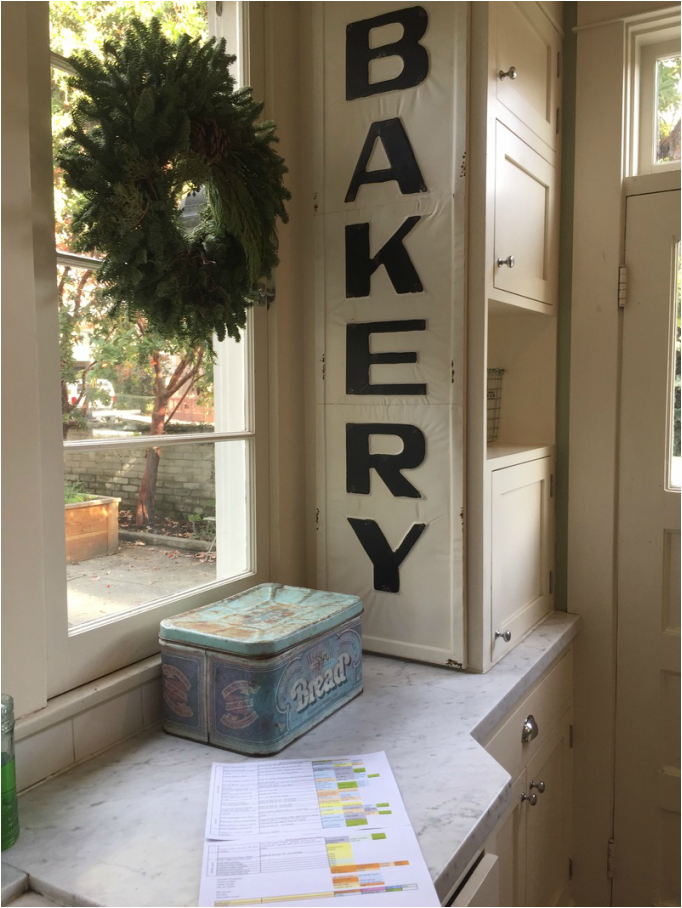 So I am in full cooking mode. Our annual holiday party is next Saturday and for some unknown reason I still cook all of the food. It's a lot of food (my menu has 23 appetizers and 7 desserts) and it takes a lot of time to prepare. Especially since we usually have over 200 people in attendance. (They tell me they come for the food. So that's why I am still cooking.) Although if I cooked less food there is a chance less people might come which would mean I could cook less food. Not sure this makes sense.
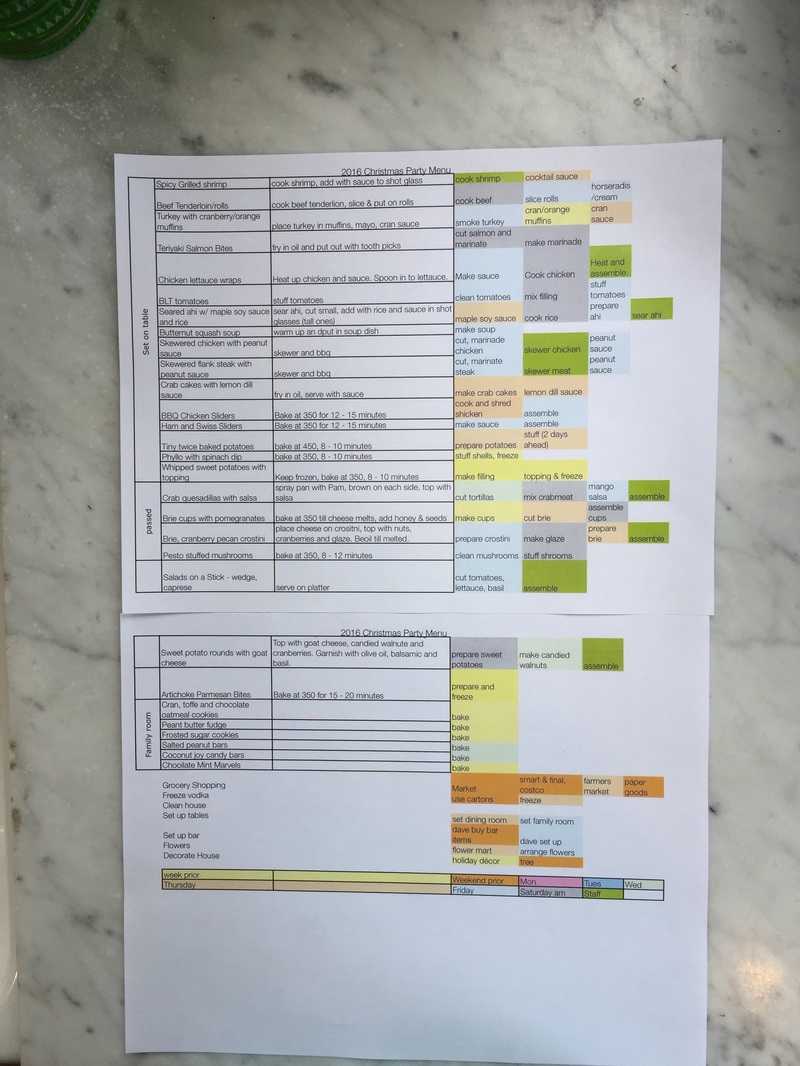
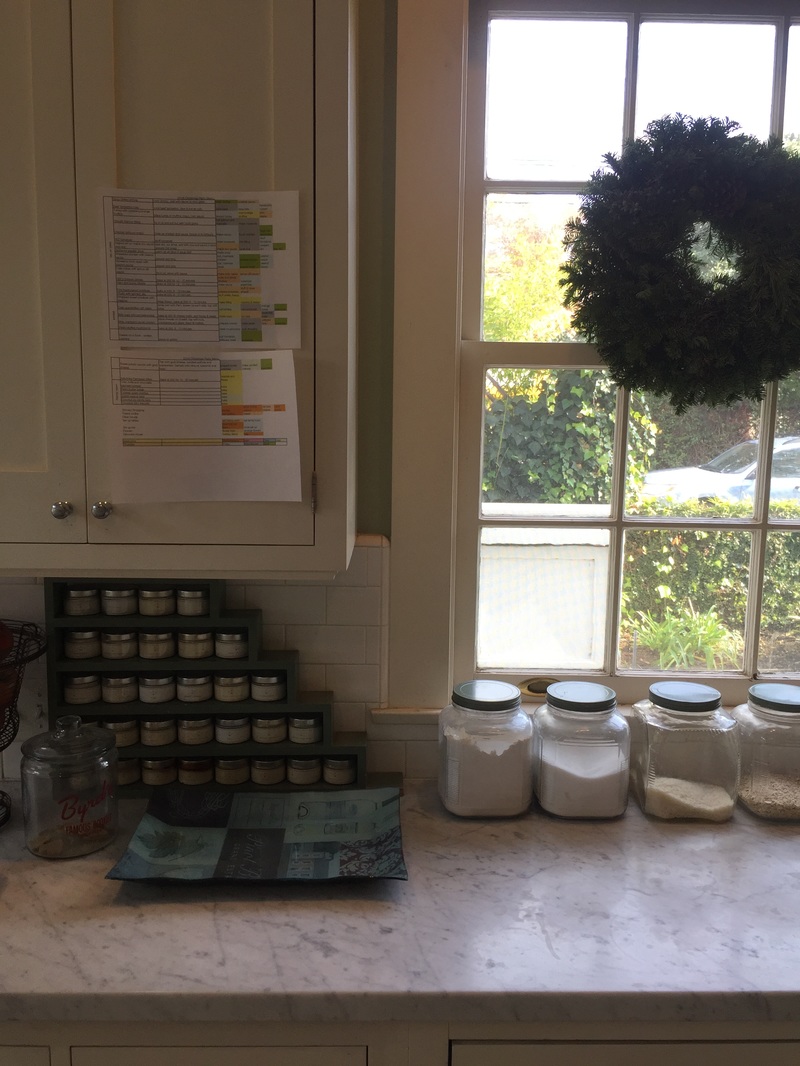
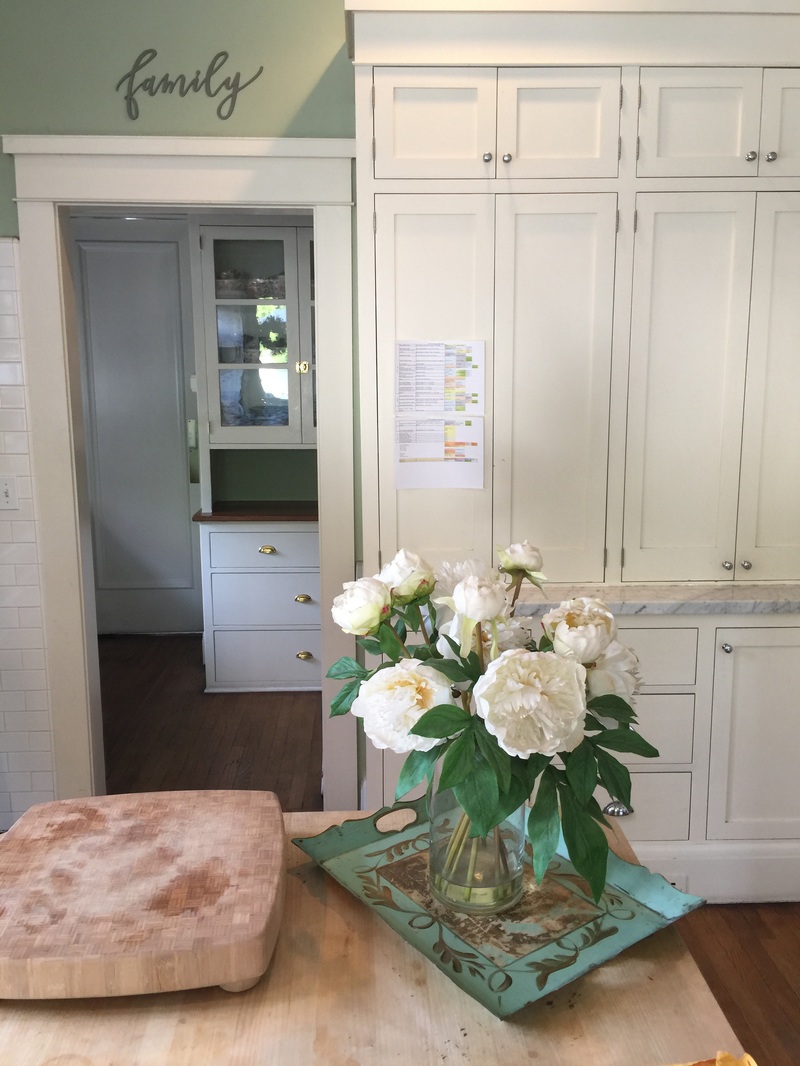
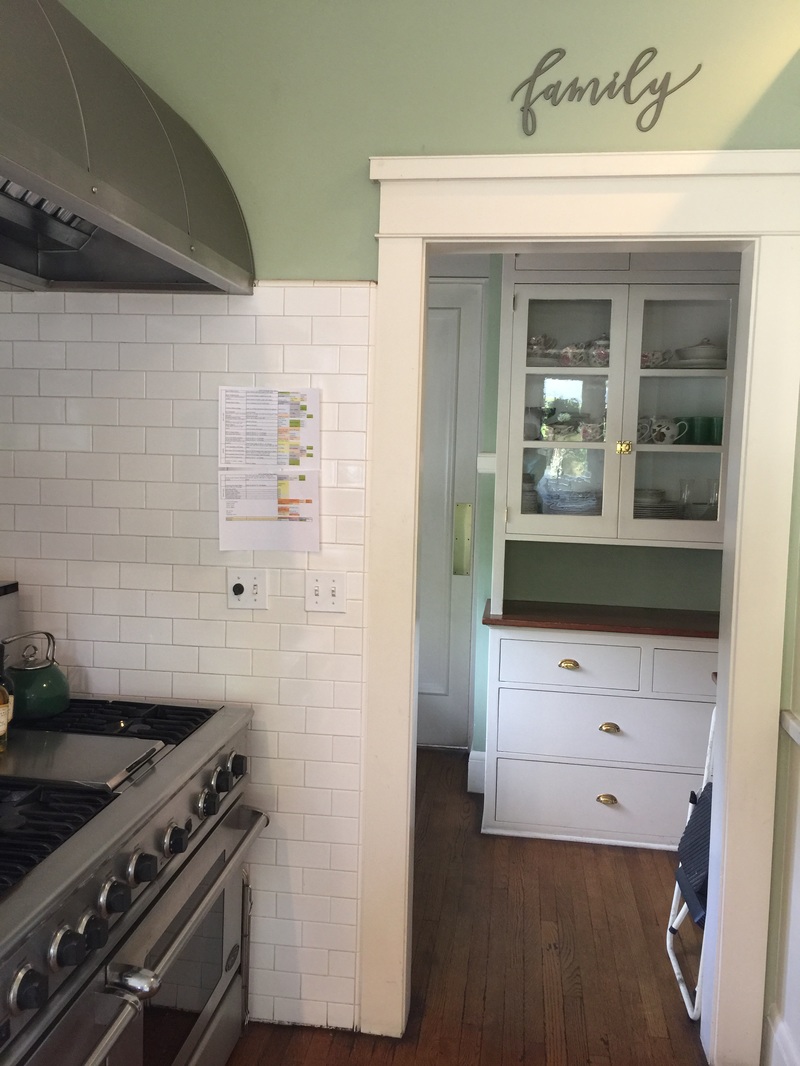
A few years ago I created an excel spreadsheet that outlines exactly what I need to do (and on which day) for the entire two weeks prior to the party. It's the color-coded document in the pictures that is plastered all over my kitchen. The schedule makes the cooking so much less stressful because I know exactly what I need to get done to stay on schedule. I made a few changes this year to the menu (four new appetizers and two new desserts). I still might cut two or three of the appetizers as I kind of don't think I need so many different options. Twenty-three appetizers seems pretty ridiculous. I forgot to mention that I do have a wonderful crew of helpers that come on Saturday to cook and serve all of the food I have prepared. I started this many years ago so I could actually enjoy the party! They are wonderful. Oh wait. I also forgot to mention we are hosting (with another couple) our annual dinner club this weekend. We have 17 coming for dinner and it is one of my favorite events all year. The good news? I am not cooking! The bad news? I will be at the flower mart early Friday morning. Early, like before 6:00am early. That's early. Well, not on the east coast. It's 9:00 am for all of you. In the meantime I am heading back to my kitchen. This week I need to accomplish all of the yellow items on the list! Wish me luck. Cuz I think I am already a bit behind schedule. Ugh. 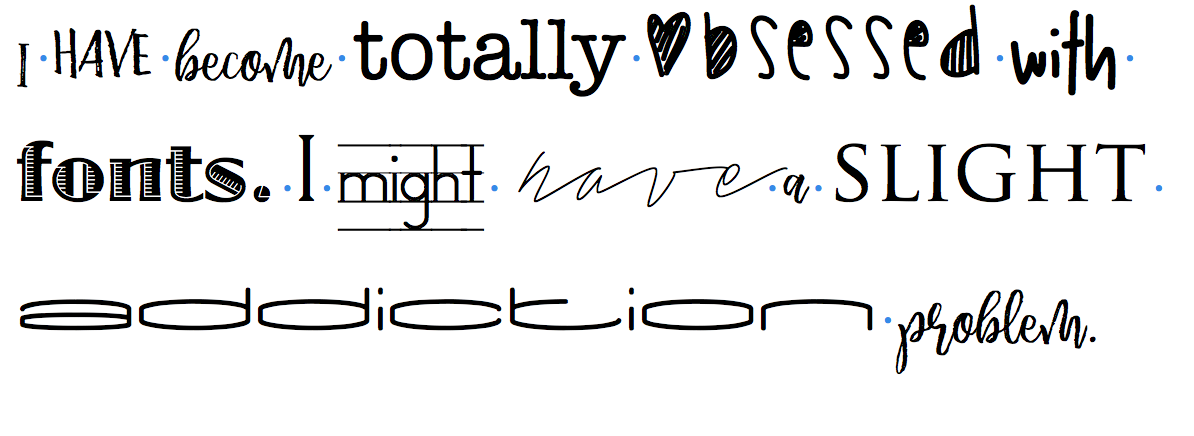 I have become a bit obsessed with fonts lately. I keep adding them to my computer from free sites such as dafont and fontspace. The fonts are free on those sites. (You know how much I love free stuff.)
Then I added a google extension to Chrome that lets me hover over a font on a webpage and it tells me the name of the font! It's called WhatFont and it's also free. The one thing it can't do is identify a font in a photo. (If anyone knows how to do that please let me know!) So get ready to start seeing some fun new fonts on my website. Oh wait. I just need to watch and then implement the video tutorial I found on how to add fonts to the weebly website ... 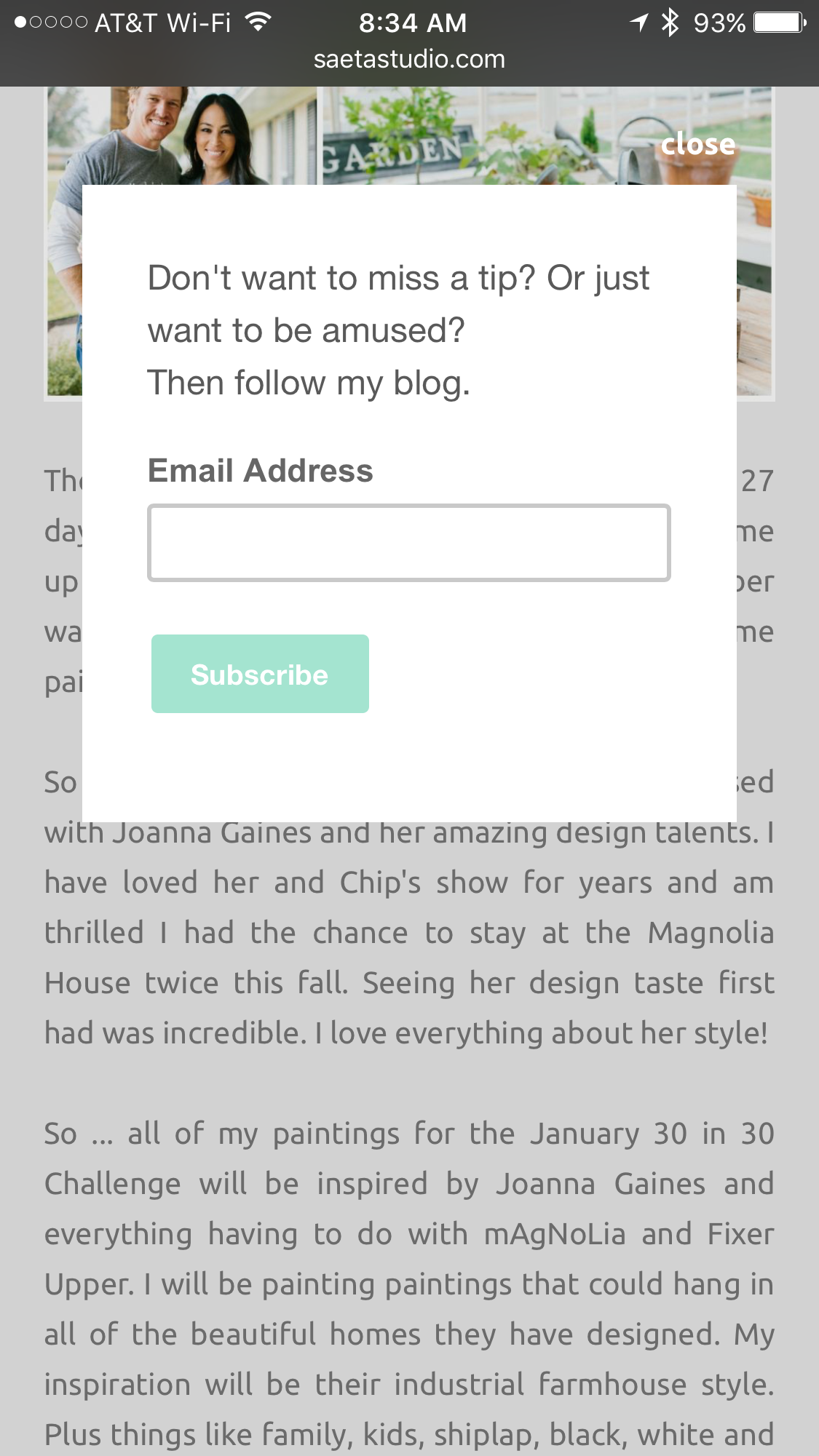 I am sure you have seen a pop up like this many times. You click on a blog or website and within seconds a box pops up offering you the chance to become a follower of the blog or website. Most times you probably look for the little "close" or "x" button. But I am sure there have been times when you filled it out.
About a week ago I added one of these to my blog. OMG. It totally works. I cannot believe how many new people signed up to follow my blog just by adding a "website scroll pop-up" (that's the fancy name). Website scroll pop-ups can contain any type of offer you can think of (a blog subscription, ebook download, discount, entry in to a contest, etc.). Before you jump up and run to your computer to add one of these fancy tools please promise me one thing. Do NOT add more than one of these to your blog. Especially if it is an ad. I cannot tell you how irritating it is when I click on a site and a gazillion pop ups or ads appear that make it almost impossible to navigate the site. For some reason they always seem to be sites I visit from Pinterest while looking on my iphone. Does that happen to you or is it just me? I created my pop up in mail chimp. Just go to your mailchimp account and select Forms and click on "Subscriber pop-up" to create the form. Then select how quickly you want the pop up button to appear (2 or 10 seconds for example). Then just copy the code and go to weebly. Go to Settings, SEO and click Footer code. Just paste the info there and you are all set! For a video to see how to do this just go here. If you want the pop-upto appear on your blog, and not your website, go to your blog in weebly, click on Blog Settings in the bottom left and copy and paste the code to the section called Post Footer Code. You can also do this in Constant Contact and many other similar services. Just google it to find out exactly how to create one for your blog or website. It's totally worth it. I promise. 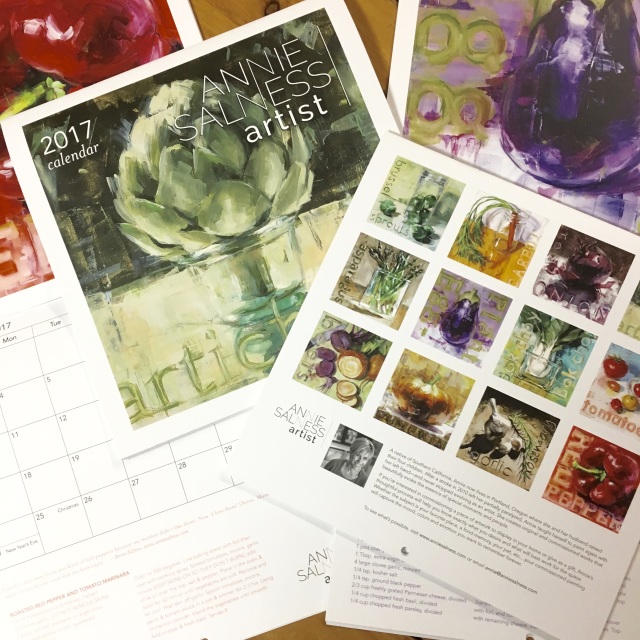 I received a lovely gift in the mail this weekend from one of my favorite artists, Annie Salness. I absolutely love her artwork and her calendar is gorgeous. It not only features her beautiful art (themed around vegetables and great for the kitchen!) but each page also features a recipe!
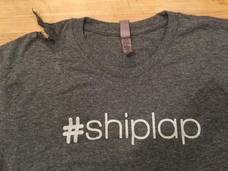
Although Annie and I have met in person only once we share in common two wonderful people! My son's best friend in college has dated her daughter's best friend for years! (Hopefully someday we might meet up in a church for ... um ... well ... you know what ...) Annie has an amazing story about her art and life and you can visit her website here to learn more. I am so impressed with her courage and amazing talent. If you want one of these fabulous calendars for yourself or as a gift, you can find them here on her website! Thanks for looking. 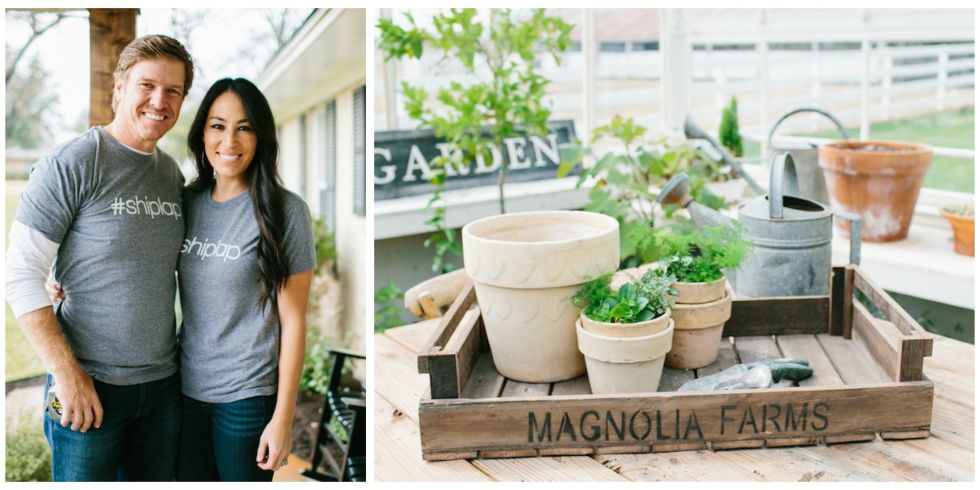 The 30 Paintings in 30 Days Challenge starts in 27 days! I have been wracking my brain trying to come up with a theme! I do think my theme in September was fabulous and I had such a wonderful time painting paintings inspired by Project Runway! So ... many of you know I have been slightly obsessed with Joanna Gaines and her amazing design talents. I have loved her and Chip's show for years and am thrilled I had the chance to stay at the Magnolia House twice this fall. Seeing her design taste first hand was incredible. I love everything about her style! So ... all of my paintings for the January 30 in 30 Challenge will be inspired by Joanna Gaines and everything having to do with mAgNoLia and Fixer Upper. I will be painting paintings that could hang in all of the beautiful homes they have designed. My inspiration will be their industrial farmhouse style. Plus things like family, kids, shiplap, black, white and neutral tones, large old clocks, the silos, gardening, animals and barns. This is really going to take me out of my comfort zone because the bright colors I usually paint with won't really work in this style. So I am putting away the bright colored paint and pulling out my stencil machine, collage materials and neutral paint colors. I am so ready to paint thirty awesome paintings! I think this is going to be really fun. A very special thanks to Karin Fediw and Kathleen Kelly for inspiring me to do this theme. I am so excited!!! Click here to sign up to join me for the January 30 in 30 Challenge!
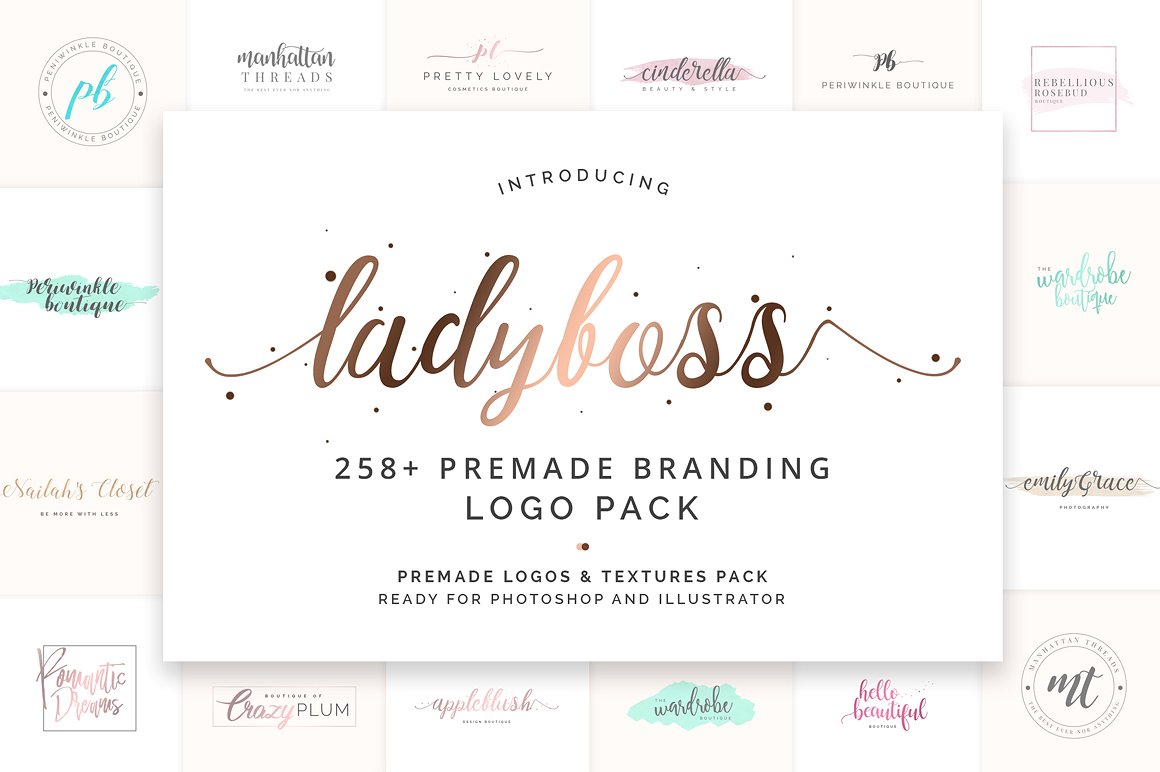 Many of you know that many years ago I used an online web builder called logotournament.com to create a logo for my art business. Don't get me wrong, I love the final design. But wasn't cheap as it cost me about $200.  The logo I had designed is pictured here. Recently I discovered a new favorite website and it's called Creative Market. Creative Market is a place where graphic designers can sell their designs such as custom fonts, templates, layouts and even logo designs. The product shown above is called Lady Boss Branding Pack and it showed up in my inbox this morning. It is logo template designs that easily allow you to create your own logo. I love it! I am so excited because I am going to create some more logos for my business that are clean, simple and will cost hardly anything. In fact, this collection only costs $19.00 and it includes 258+ designs. (And just so you know, there are a lot more logo templates to choose from too.) The only catch is that you need to use photoshop to create your design with the template. It's time I became a little more skilled at photoshop so I am taking the plunge. I played around with one of the templates I purchased and here is what I created. What do you think? 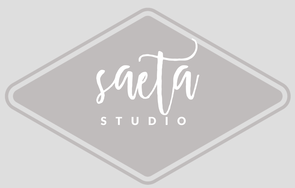
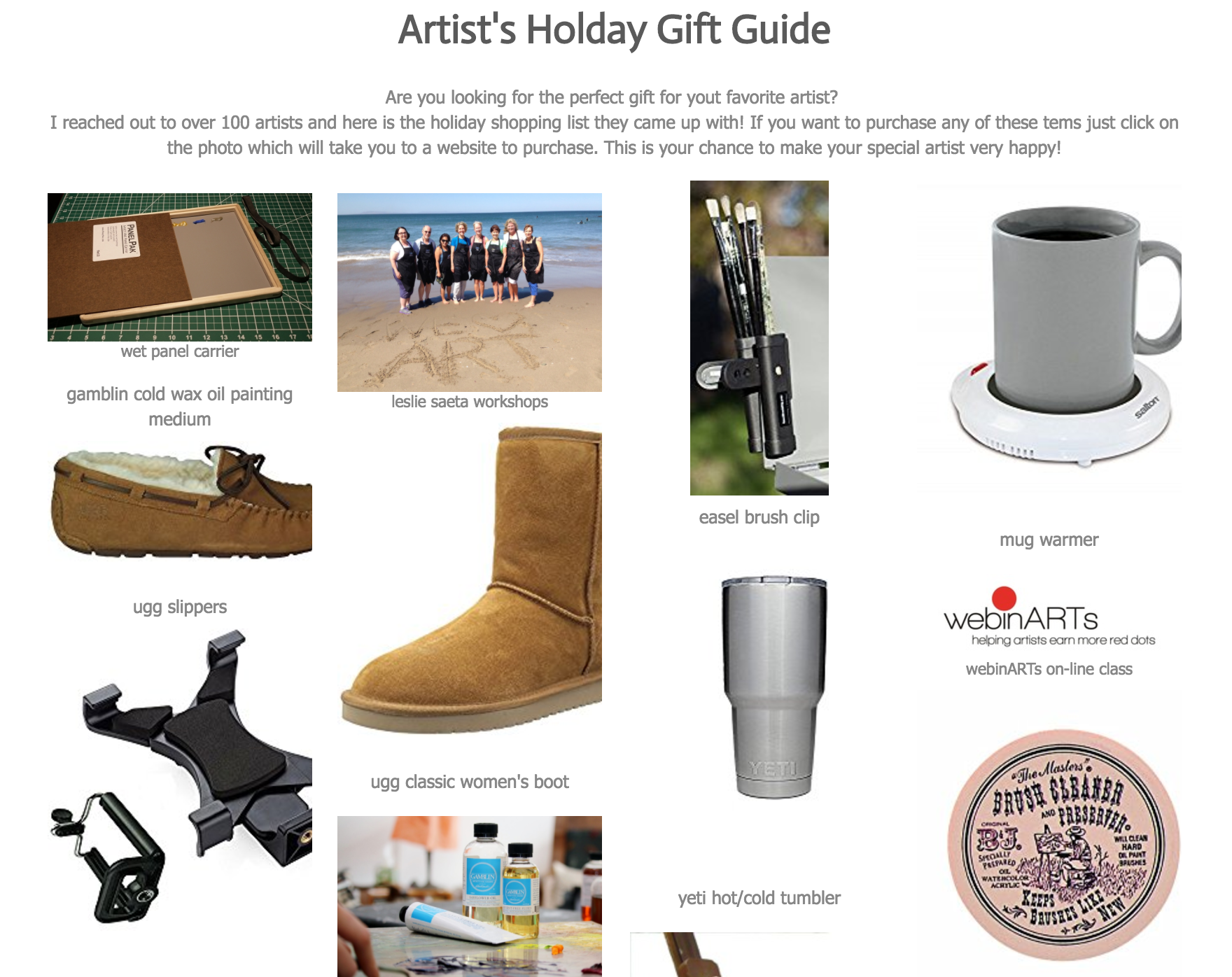  My husband asked me the other day what I wanted for Christmas. I don't have a list I honestly couldn't think of anything I want or need. So I put a post on Facebook asking my fellow artists to list any items they thought would be a good gift for artists. I was hoping for a few suggestions of fun things an artist might want to recieve this holiday.
The response was incredible. Nearly a hundred artists listed their favorite art tools and gifts they had received or hoped to recieve. I was so inspired I stayed up really late last night and created a webpage with all of the items including photos and links to where they can be purchased. You can find this list in the heading on my website and it's called HOLIDAY GIFT GUIDE. Take a look at the list and see if there is anything you might like. Then I suggest you pass the link on to your loved ones to make it really easy to shop. That's what I just didi! I spent some time wrapping gifts (while I am waiting for a few oil paintings to dry) and unfortunatley my dog ate one of my favorites! Looks like I will be shopping on the Magnolia Market website tomorrow. Darn dog.  I am not referring to a beauty makeover, I promise. It's time for a website makeover. Are you happy with the way your website looks? Is it easy to read and more importantly, is it easy to shop and buy paintings on your website? When was the last time you updated the "look and feel" of your website? Hmmm. See what I mean? Take some time today (less than an hour) to review the main pages of your website. Do you have a white background? You should. Are you paintings all uploaded to your website with prices and buy now buttons? Is your Events page current? Try to fix any of the updates you need but don't hesitate to make a list of the ones that you may need to come back later and fix. If you think your website needs more help you might be interested to know that I am offering a free online webinar called "Is Weebly For You?". (Weebly is the website builder I use to build my websites and it's also the website builder featured in my webinARTs class.) I think weebly is really easy to use and my webinar will show you how you can use it to build your website. The online webinar will give you a chance to decide if it will work for you. If you are worried it may be too hard or want to see all of the options it has then sign up. It's free. The online webinar will be offered January 4th at 9:00 am PST, 12:00 noon EST to the first 50 people that register. Mark your calendars and sign up here. I will be sending you information and a reminder about the free class.
|
Leslie
Mom. Wife. Artist. Marketer. Teacher. Radio Show Host. Archives
July 2017
Categories
All
My Favorite Things 
Some of my posts contain affiliate links for your convenience. Click here for full disclosure.
|
 RSS Feed